Generate CDS (Combined Defence Services) Exam photo and signature
Recruitment for entry into Indian Military Academy, Officers Training Academy, Naval Academy, and Air Force Academy through UPSC CDS exam.
Signature ExampleOriginal vs exam-ready result
Before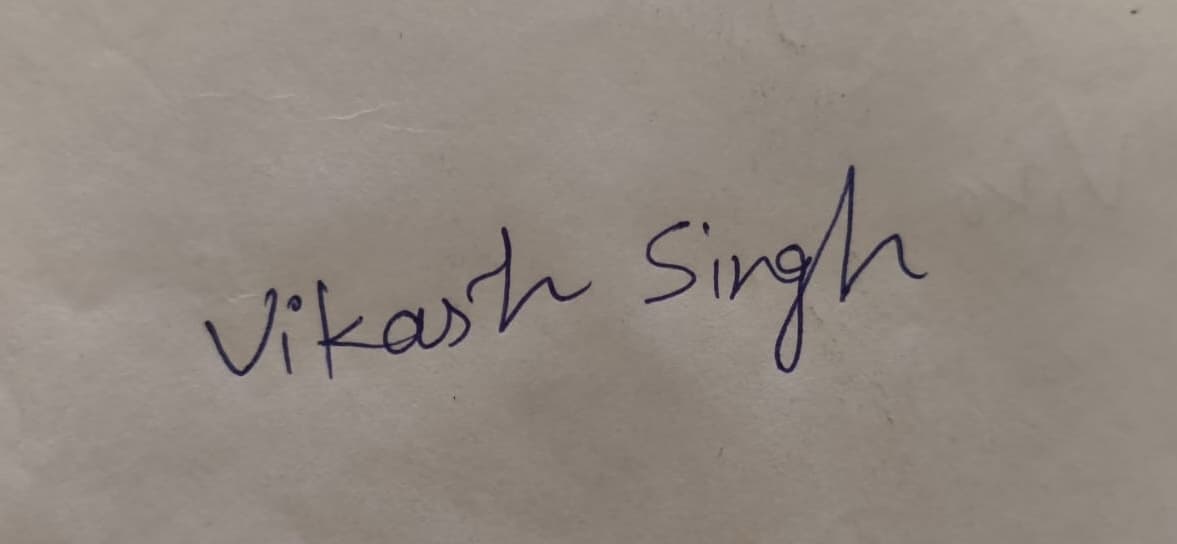
AfterExam Ready
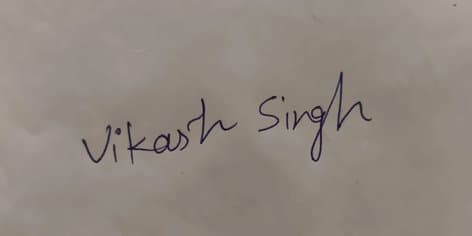
4cm x 2cmMin 10KB
Generate files
Upload your photo or signature and let AI process it..
This flow is designed for faster exam-ready output. Upload a clear image, confirm the detected details, and download the final file.
Upload Your Photo
Select the photo you want to create for the govt. exam.
JPG / JPEG / PNG
Instructions for Uploading Photo
- Upload a photo between 50 KB and 1 MB.
- Ensure the photo is clear and not blurred.
- Only use recent photos with proper lighting.
- Avoid selfies, filters, or cropped images.
- Accepted formats: JPG, JPEG, PNG.
Guide overview
Quick explanation before you upload
Photo requirements
| Background | Plain white or light-colored |
| Max Size K B | 50 |
| Min Size K B | 20 |
| Face Cover | Approx. 70% of photo area |
| Specs | JPEG or JPG, frontal view, clear, no shadows or reflections |
| Blur | Must be clear and sharp |
| Face Alignment | Centered |
| Width (cm) | 3.5 |
| Height (cm) | 4.5 |
Signature requirements
| Background | Plain white paper |
| Max Size K B | 20 |
| Min Size K B | 10 |
| Specs | JPEG or JPG, blue/black ink, clear and legible |
| Blur | Must be legible |
| Width (cm) | 3.5 |
| Height (cm) | 1.5 |
Latest Comments
No comments yet..