Generate SSC Selection Posts photo and signature
Recruitment for various specialized and technical posts across departments.
Signature ExampleOriginal vs exam-ready result
Before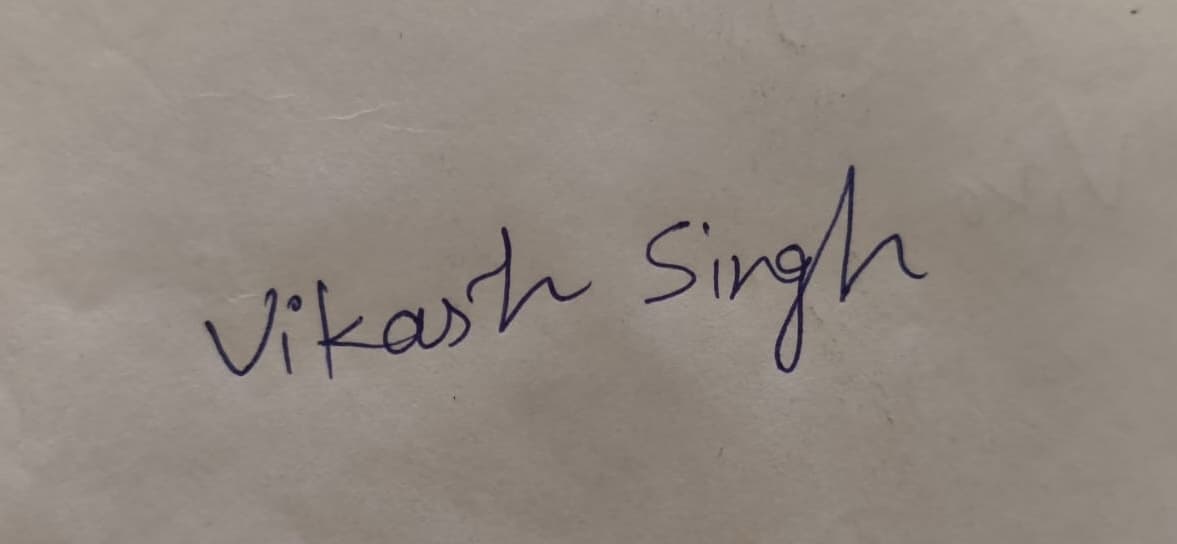
AfterExam Ready
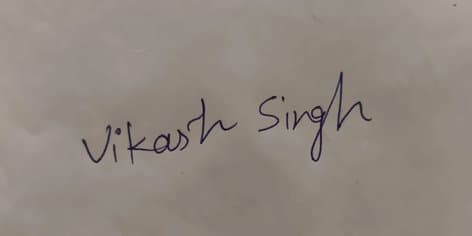
4cm x 2cmMin 10KB
Generate files
Upload your photo or signature and let AI process it..
This flow is designed for faster exam-ready output. Upload a clear image, confirm the detected details, and download the final file.
Upload Your Photo
Select the photo you want to create for the govt. exam.
JPG / JPEG / PNG
Instructions for Uploading Photo
- Upload a photo between 50 KB and 1 MB.
- Ensure the photo is clear and not blurred.
- Only use recent photos with proper lighting.
- Avoid selfies, filters, or cropped images.
- Accepted formats: JPG, JPEG, PNG.
Guide overview
Quick explanation before you upload
Photo requirements
| Background | Plain light-coloured |
| Max Size K B | 50 |
| Min Size K B | 20 |
| Face Cover | Approx. 50–60% of photo area |
| Specs | JPEG, frontal view, clear |
| Blur | Must be clear |
| Face Alignment | Centered |
| Width (cm) | 3.5 |
| Height (cm) | 4.5 |
Signature requirements
| Background | Plain white paper |
| Max Size K B | 20 |
| Min Size K B | 10 |
| Specs | JPEG, blue/black ink, clear |
| Blur | Must be legible |
| Width (cm) | 4 |
| Height (cm) | 2 |
Latest Comments
No comments yet..